Free Fire vs Free Fire MAX: 6 Differences You Should Know

0

Not sure whether to play Free Fire or Free Fire MAX? See the real differences in graphics, size, phone needs and progress, and pick the right one for you.
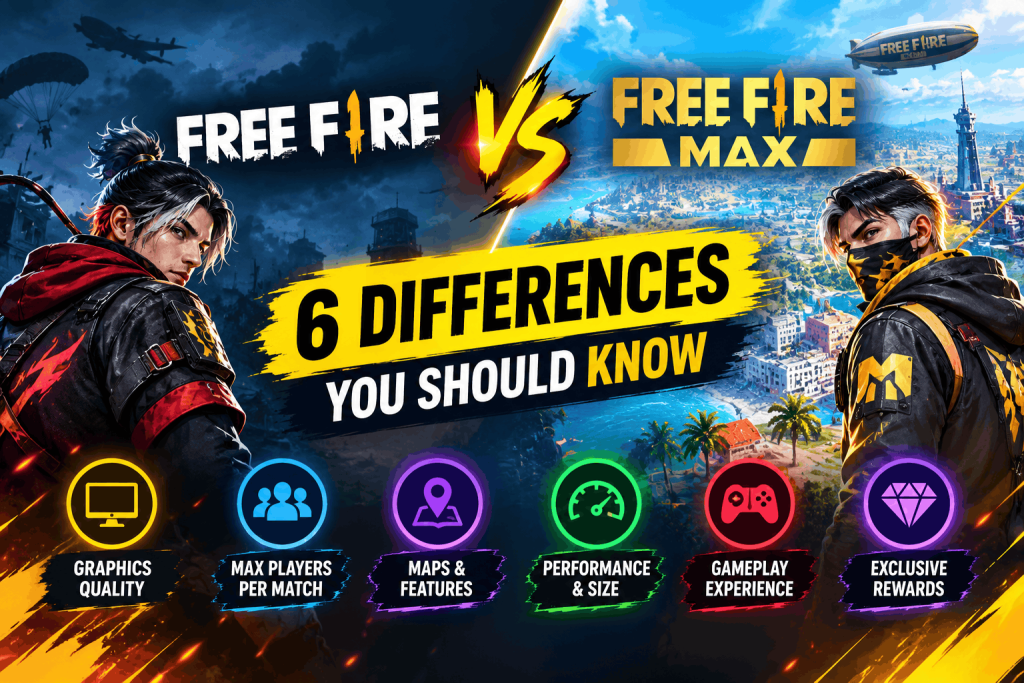
Free Fire vs Free Fire MAX_ 6 Differences

Free Fire vs Free Fire MAX_ 6 Differences
If you play mobile battle royale games, you have probably seen two icons in the app store: Free Fire and Free Fire MAX. They look almost the same, so many players ask the same question. Free Fire vs Free Fire MAX: which one should you play?

The short answer is simple. Both are made by Garena, and the core game is the same. In the Free Fire vs Free Fire MAX debate, the main difference is how good the game looks and how powerful your phone needs to be. In this guide, we explain every important difference in easy words, so you can choose with confidence.

Quick answer: If your phone is new enough and has free space, play Free Fire MAX for better looks. If your phone is older or low on storage, play the original Free Fire for smoother and lighter play.

What Is Free Fire MAX?

Free Fire MAX is an upgraded version of the original Free Fire. Garena built it for players who want better visuals and a richer look, while keeping the same matches, modes and characters.

Free Fire vs Free Fire MAX comparison chart
Free Fire vs Free Fire MAX at a glance

Think of Free Fire vs Free Fire MAX like watching the same movie in two qualities. The story doesn’t change, but one version looks sharper and more detailed.

Free Fire vs Free Fire MAX at a Glance

FeatureFree FireFree Fire MAX
Gameplay and modesSame core gameSame core game
GraphicsStandardMore detailed and polished
Download sizeSmallerLarger
Phone power neededLowerHigher
Battery and heatUsually lighterUsually heavier
Play with friends on the other versionYesYes
Best forOlder and budget phonesMid-range and newer phones

Free Fire vs Free Fire MAX: The Main Differences Explained

1. Graphics and effects

This is the biggest difference. Free Fire MAX has sharper textures, more detailed scenes and better effects, such as explosions and the glow on skins. Many players also point to the 360-degree lobby, which lets you look around your character more freely.

The gameplay does not change. A shot in Free Fire MAX works like a shot in Free Fire. It simply looks better.

2. Download size and storage

In Free Fire vs Free Fire MAX, the MAX version is the bigger download. Reports from different years put the gap anywhere from a few hundred megabytes to roughly double the size, and both games grow with updates. Because the exact numbers change, check the size on the Google Play pages for Free Fire and Free Fire MAX, or on the Apple App Store, before you download.

3. Phone requirements

Free Fire MAX asks for more from your phone. In general, the original Free Fire runs on phones with less memory. Free Fire MAX is usually recommended for phones with more RAM and storage. Commonly shared guides mention around 1 GB of RAM for Free Fire and around 2 GB or more for Free Fire MAX. Requirements can change, so always read the current store page for your device.

If a game stutters, freezes or closes by itself, the phone is probably struggling. In that case, the lighter version is the better choice.

4. Battery and heat

In Free Fire vs Free Fire MAX, better graphics use more power. On the same phone, Free Fire MAX will usually drain the battery faster and get warmer than Free Fire. If you play for long sessions, this matters.

5. Playing together

You do not need to pick the same version as your friends. Players on both versions can join the same matches. So a friend on Free Fire and a friend on Free Fire MAX can still be in one squad.

6. Progress and account

Garena uses a feature called Firelink, which lets you sign in to either version with the same account. That means you can keep your progress, and your items can show up in both. Make sure your account is linked to a login method, such as Facebook or Google, before you switch. This protects your account if you change phones.

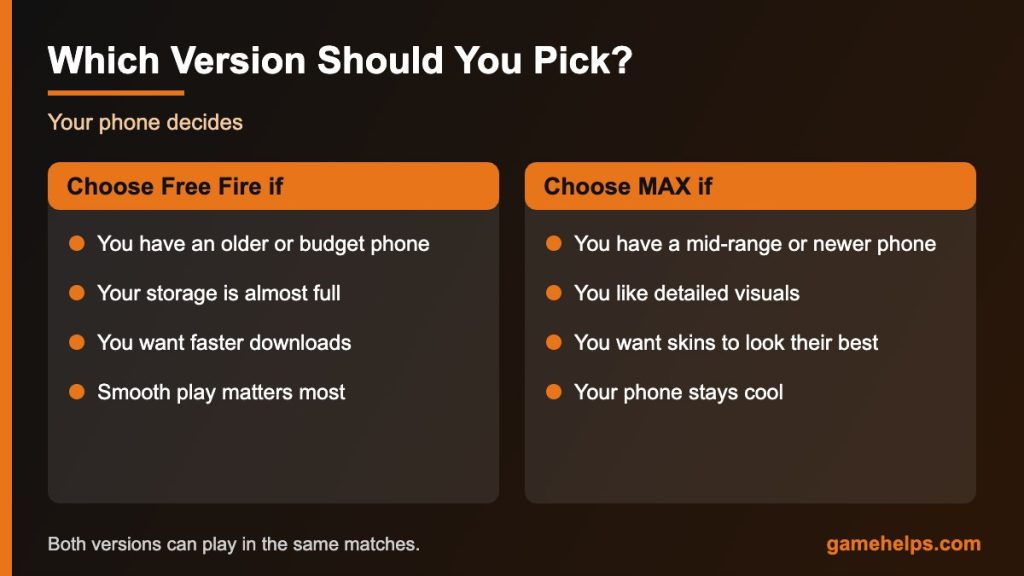
Free Fire vs Free Fire MAX: Which Version Should You Choose?

When you weigh Free Fire vs Free Fire MAX, ask yourself two simple questions: “Is my phone strong enough?” and “Do I care more about looks or smooth play?”

Choose Free Fire if:

  • You have an older or budget phone.
  • Your storage is almost full.
  • You want faster downloads and updates.
  • You care more about smooth play than pretty graphics.

Choose Free Fire MAX if:

  • You have a mid-range or newer phone.
  • You enjoy detailed visuals and effects.
  • You like showing off skins that look their best.
  • Your phone stays cool and smooth in other heavy games.
Free Fire vs Free Fire MAX which version to choose
Free Fire vs Free Fire MAX: which one should you choose?

Is Free Fire MAX Better for Headshots?

Not really. In the Free Fire vs Free Fire MAX comparison, both games use the same shooting rules, so your aim skill matters far more than the version. The only real advantage is this: if your phone runs one version more smoothly, you will aim better on that one. Smooth frames make it easier to track a moving target.

If you want to show off your look in either version, start with our guide to rare Free Fire skins.

Tips to Run Free Fire MAX Smoothly

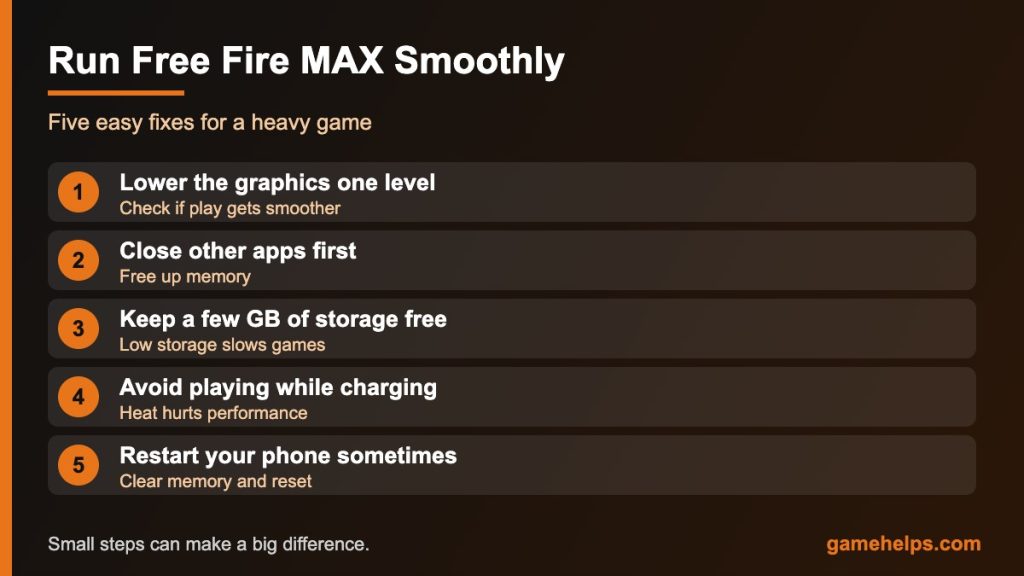
If you choose Free Fire MAX and it feels heavy, these small steps can help:

  • Lower the graphics setting one level and see if play gets smoother.
  • Close other apps before you start a match.
  • Keep at least a few gigabytes of free storage on your phone.
  • Don’t play while the phone is charging if it gets hot.
  • Restart your phone once in a while to clear memory.
Tips to run Free Fire MAX smoothly on your phone
Free Fire vs Free Fire MAX: tips for smoother play

Safety Tip: Download From Official Stores Only

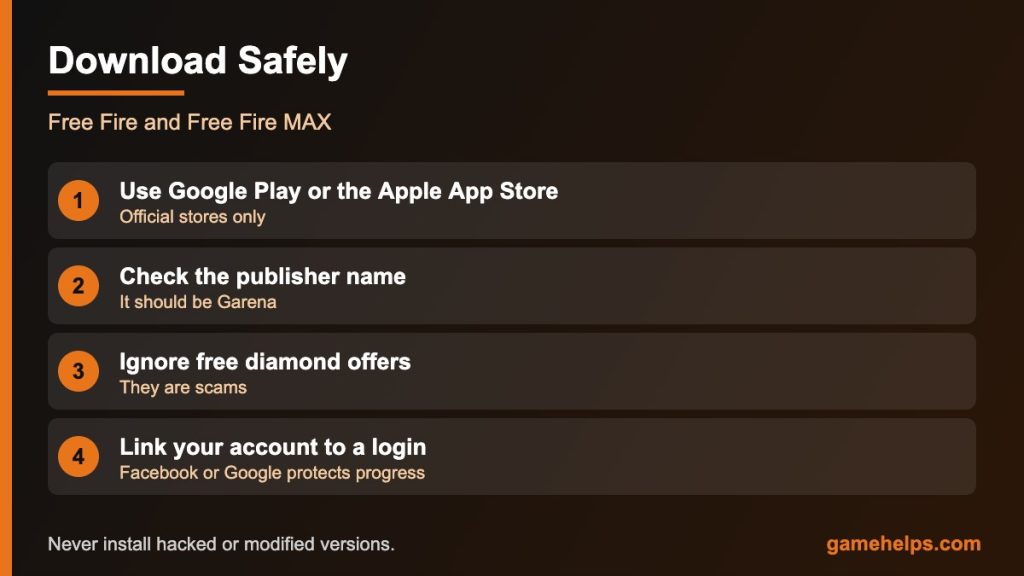
Only download Free Fire and Free Fire MAX from the Google Play Store or the Apple App Store. You can also find official news on the official Free Fire website. Files from random websites can carry harmful software or steal your login details. If a site offers a hacked version with free diamonds, stay away.

Free Fire vs Free Fire MAX safe download checklist
Free Fire vs Free Fire MAX: download from official stores only

How to Move From Free Fire to Free Fire MAX

Once you decide in the Free Fire vs Free Fire MAX debate, switching is easy, and you do not need to start again. Follow these steps.

  1. Check that your phone has enough free storage and memory.
  2. Link your account to Facebook, Google or another login method.
  3. Download Free Fire MAX from the official store.
  4. Open the game and sign in with the same account.
  5. Check your graphics settings and lower them if the game feels heavy.

Your progress and items stay with your account, so you can go back to the original Free Fire at any time. Many players keep both apps for a while, then keep the one that runs best on their phone.

What Happens to Your Skins and Items?

Your account holds your items, characters and skins. Garena’s Firelink feature lets both versions use the same account, so your collection shows up in each app. Some visual effects look better in Free Fire MAX, but the items themselves are the same.

Common Mistakes in the Free Fire vs Free Fire MAX Choice

  • Picking MAX on a phone that struggles. A smooth game is better than a pretty game that lags.
  • Ignoring storage. A large download can fill a small phone fast.
  • Using unofficial downloads. These can hide harmful software.
  • Forgetting to link your account. You could lose access if you change phones.

Frequently Asked Questions

Can I play Free Fire and Free Fire MAX together with friends?

Yes. Players from both versions can play in the same matches and squads.

Will I lose my progress if I switch to Free Fire MAX?

No, as long as you sign in with the same account. Link your account to a login method first so you can recover it easily.

Is Free Fire MAX free?

Yes. Both games are free to download. Like many mobile games, they also offer optional in-game purchases.

In Free Fire vs Free Fire MAX, which version is better for a low-end phone?

The original Free Fire. It is lighter and made to run on weaker phones.

Can I have both versions on one phone?

Yes, if you have enough storage. They are separate apps.

Do both versions have the same characters and items?

Yes. The characters and items are shared. The main difference is how they look.

Final Thoughts

When you compare Free Fire vs Free Fire MAX, the choice comes down to your phone. If it is strong and has space, Free Fire MAX gives you a better-looking game. If it is older or limited, the original Free Fire gives you smooth, reliable fun. Either way, you can team up with friends and keep your progress.

Which version do you play? Pick the one that runs best on your phone, and enjoy the match.

Leave a Reply

Your email address will not be published. Required fields are marked *